

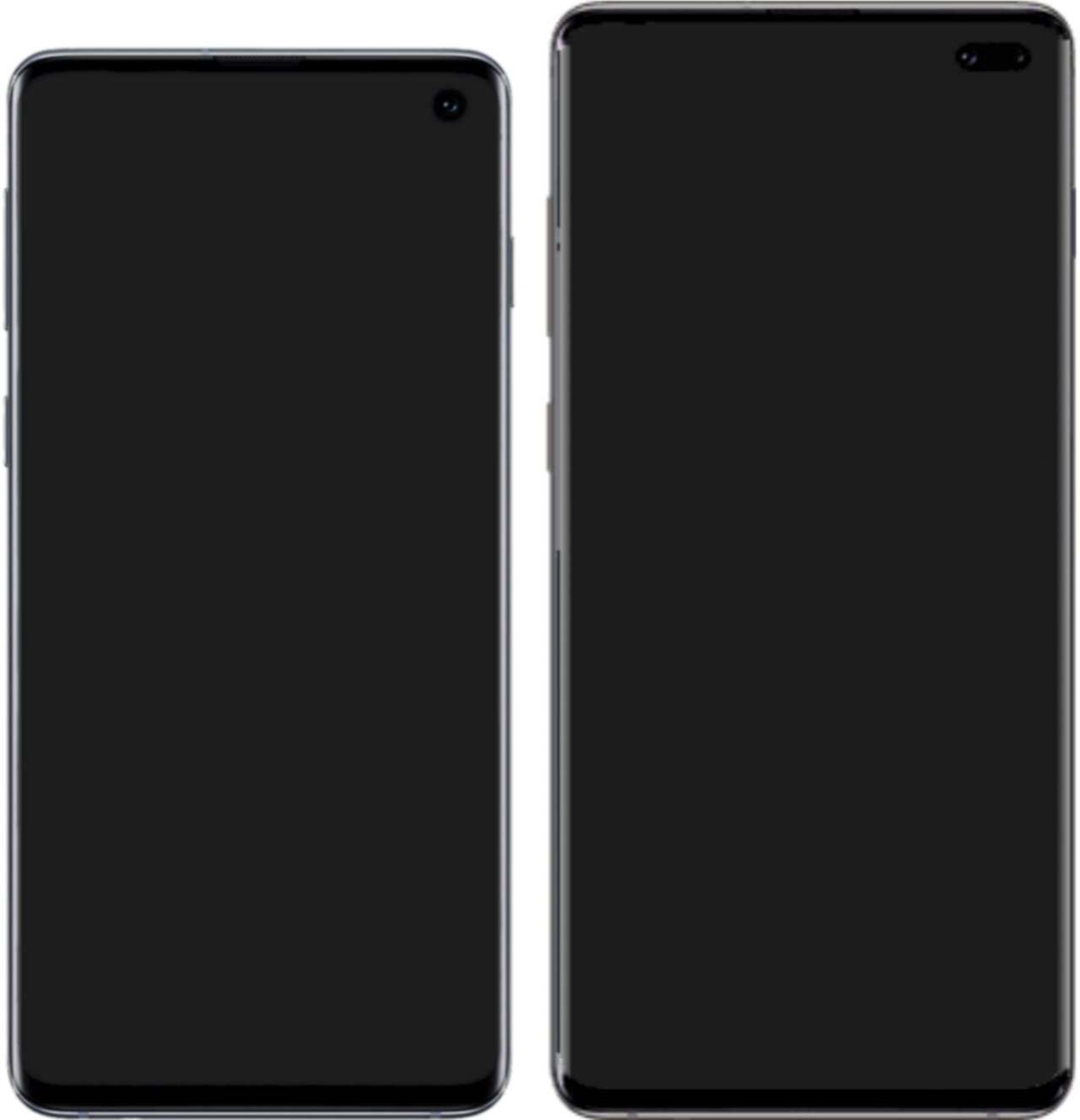
Hide punch hole cameras with these hilarious and creative wallpapers. Samsung Galaxy S10 users can transform their device’s appearance while having a good laugh.
Introduction to Punch Hole Cameras
As smartphone designs evolve, the introduction of punch hole cameras has become a common feature, particularly in Samsung devices. These small cutouts, while functional, can sometimes be a distraction in an otherwise sleek display. For users looking to enhance their visual experience, there are creative solutions available to hide punch hole cameras.
One popular approach is to use imaginative wallpapers that cleverly incorporate the camera cutout into the design. This not only camouflages the punch hole but also adds a unique flair to the device.
- Nature Scenes: Wallpapers showcasing trees or flowers can obscure the camera effectively.
- Abstract Designs: Bold patterns can divert attention from the hole.
- Humorous Themes: Fun graphics can turn the camera into a playful element.
With these options, users can enjoy a more harmonious look for their Samsung smartphones.
Why Hide Punch Hole Cameras?
Many smartphone users, particularly those with devices like the Samsung Galaxy S10, seek ways to enhance their visual experience. One common concern is the visibility of punch hole cameras, which can disrupt the aesthetics of the display. Hiding punch hole cameras not only improves the overall look of the screen but also provides a more immersive experience while watching videos or playing games.
Creative wallpapers serve as a fun solution to this issue. Users can select from an array of designs that cleverly incorporate the punch hole, transforming it into a feature rather than a distraction. Here are some reasons why users opt for these wallpapers:
- Enhanced Aesthetics: They maintain a clean look.
- Personalization: Users can express their style.
- Fun Factor: They add humor and creativity.
Top Creative Wallpapers for Samsung
For Samsung users looking to hide punch hole cameras, creative wallpapers can be a fun and effective solution. These wallpapers not only enhance the aesthetic appeal of your device but also cleverly disguise the camera cutouts. Here are some of the top creative wallpapers:
- Nature Scenes: Beautiful landscapes can provide a seamless backdrop, drawing attention away from the punch hole.
- Abstract Art: Bright colors and patterns can cleverly incorporate the camera hole into the design.
- Cartoon Characters: Fun and whimsical images can make the punch hole look like part of a character’s face.
- Optical Illusions: Engaging designs can confuse the eye, effectively hiding the camera.
With these creative wallpapers, Samsung users can enjoy a more visually appealing experience while cleverly hiding punch hole cameras.
How to Apply Wallpapers on Your Phone
Applying creative wallpapers to hide punch hole cameras on your Samsung device is a straightforward process. Follow these simple steps to enhance your phone’s aesthetic while cleverly concealing the camera cutout.
- Step 1: Open the Settings app on your Samsung phone.
- Step 2: Navigate to Wallpaper and select Home Screen or Lock Screen, depending on your preference.
- Step 3: Choose Gallery to access your saved images.
- Step 4: Select one of the creative wallpapers designed to hide punch hole cameras.
- Step 5: Adjust the wallpaper as needed and tap Set as Wallpaper.
Enjoy your fresh look while effectively camouflaging the punch hole camera!
User Reactions to Creative Wallpapers
User reactions to the latest trend of using creative wallpapers to hide punch hole cameras have been overwhelmingly positive. Many Samsung Galaxy S10 users have taken to social media to share their experiences and the quirky designs they’ve chosen.
Some users appreciate the humor and creativity behind the wallpapers, stating that they not only conceal the punch hole but also add a personalized touch to their devices. Others have commented on how these wallpapers transform the overall look of their phones, making them feel fresh and unique.
In a recent poll, a significant percentage of users expressed their delight in being able to hide punch hole cameras without sacrificing style. The trend highlights the innovative ways that users are adapting to modern smartphone designs while still maintaining an aesthetic appeal.
Comparing Different Wallpaper Styles
When it comes to selecting wallpapers to hide punch hole cameras, various styles cater to different tastes and preferences. Here are some popular options:
- Abstract Designs: These wallpapers often incorporate vibrant colors and geometric shapes, providing a modern aesthetic that distracts from the camera.
- Nature Scenes: Pictures of forests, mountains, or oceans can create a serene backdrop, effectively camouflaging the punch hole.
- Funny Characters: Wallpapers featuring cartoon characters or humorous designs can add a playful touch while cleverly obscuring the camera.
- Minimalist Patterns: Simple, subtle patterns offer a clean look that can also hide the punch hole without overwhelming the screen.
Choosing the right style not only enhances the visual appeal of your device but also serves a practical purpose.
Tips for Customizing Your Device
Customizing your device can be a fun way to express your personality and enhance your experience with your smartphone. Here are some tips to help you effectively hide punch hole cameras while making your device stand out:
- Choose High-Quality Images: Look for wallpapers with high resolution to ensure they look sharp on your screen.
- Consider Color Schemes: Select wallpapers that complement your device’s color and design.
- Experiment with Patterns: Geometric shapes or abstract designs can cleverly divert attention from the punch hole.
- Use Apps for Customization: Apps that allow for the adjustment of wallpapers can help you position designs perfectly around the punch hole.
- Rotate Regularly: Refresh your wallpaper frequently to keep your device looking new and engaging.
By implementing these tips, you can easily hide punch hole cameras and enjoy a unique look for your Samsung device.
Conclusion: Enhance Your Samsung Experience
In conclusion, enhancing your Samsung experience can be as simple as hiding punch hole cameras with the right creative wallpapers. These unique designs not only serve a practical purpose but also add a personal touch to your device. Whether you prefer vibrant colors, minimalist art, or humorous themes, there is a wallpaper out there that can seamlessly blend with your phone’s aesthetics while concealing the punch hole.
By exploring various styles and customizing your device, you can transform the look of your Samsung phone into something truly remarkable. User reactions have shown that many appreciate the artistry behind these wallpapers, proving that function and creativity can coexist. Overall, embracing creative wallpapers is a fun way to make your phone uniquely yours while effectively hiding punch hole cameras.
via Wikimedia Commons
Where this came from
Google Cloud route: Best Proven Features for Claude · X feature money transfer: Easy new way to send cash · Education policy discussion: What are the best strategies?